Backend
What Is a Server? A Beginner's Guide
Every click, message and video starts with a request to a computer somewhere else. Here is what that computer is, where it lives, and what it actually does.
Every time you open Instagram, watch a YouTube video, visit a website, send a message, or order something online, you are interacting with something called a server. But what exactly is a server? Is it a special type of computer? Where does it exist? What does it actually do? And why do websites need so many of them?
What is a server?
A server doesn't have to be some mysterious machine sitting in a huge data center. At its core, it is simply a computer whose job is to answer other computers.
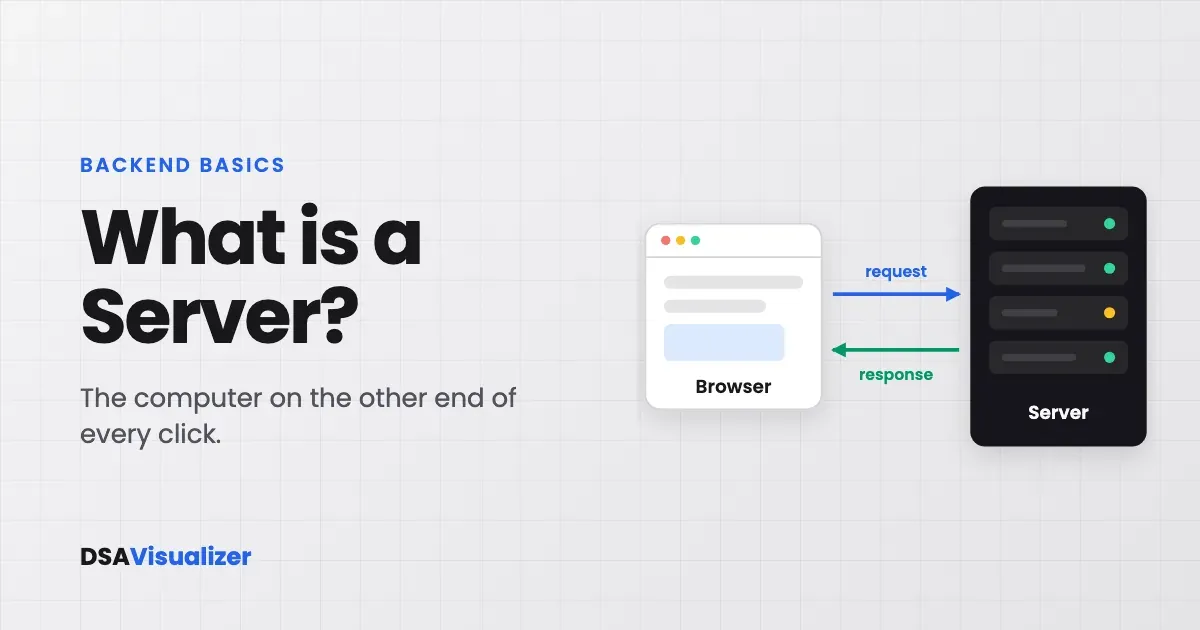
For example, when you open a website, your browser sends a request to a server. The server receives the request, does whatever work is necessary, and sends a response back.
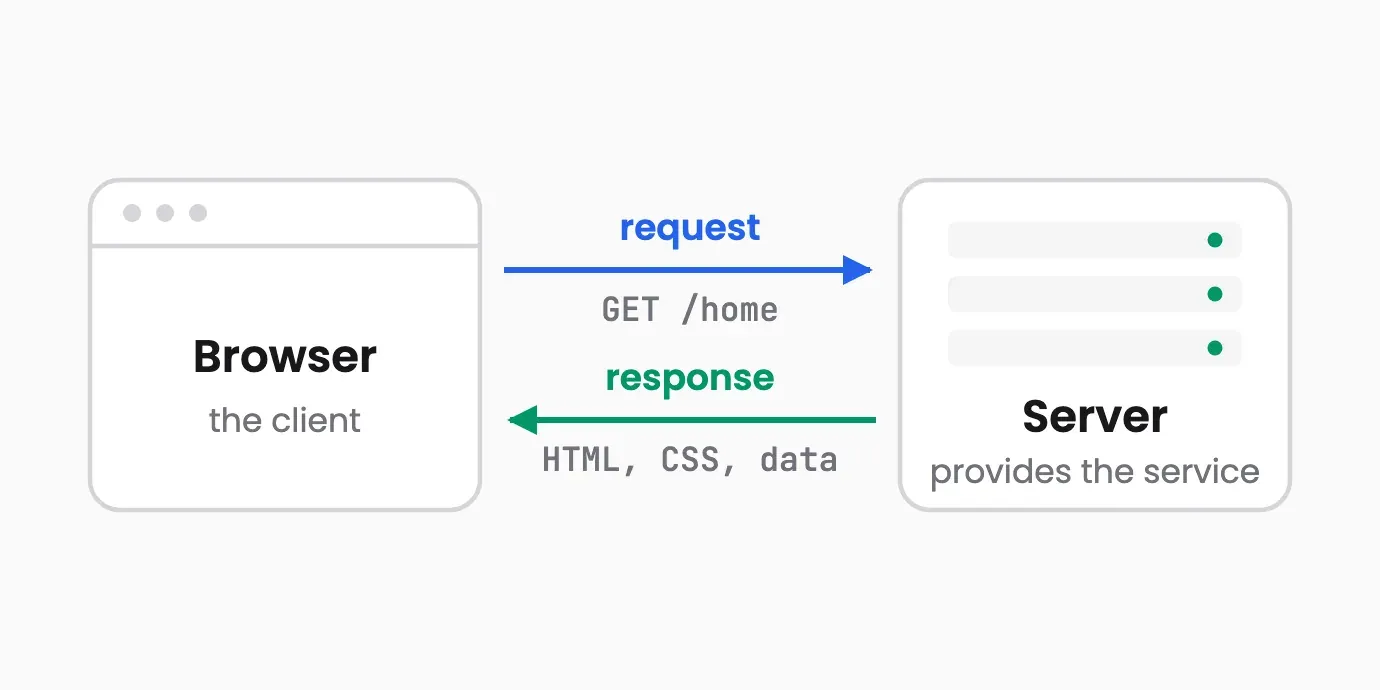
Say you type a website address into your browser. You might think the website is somehow “inside” your browser. It isn't. Your browser is simply asking another computer: “Hey, can you give me this website?”
That request travels through the internet to a server. The server processes it and sends the necessary information back. This is the fundamental idea behind the client-server model: your browser is the client, and the computer providing the service is the server.
What happens when you visit a website?
Let's make this a little more interesting. Imagine you open a website and see its homepage. What actually happened? A simplified version looks something like this:
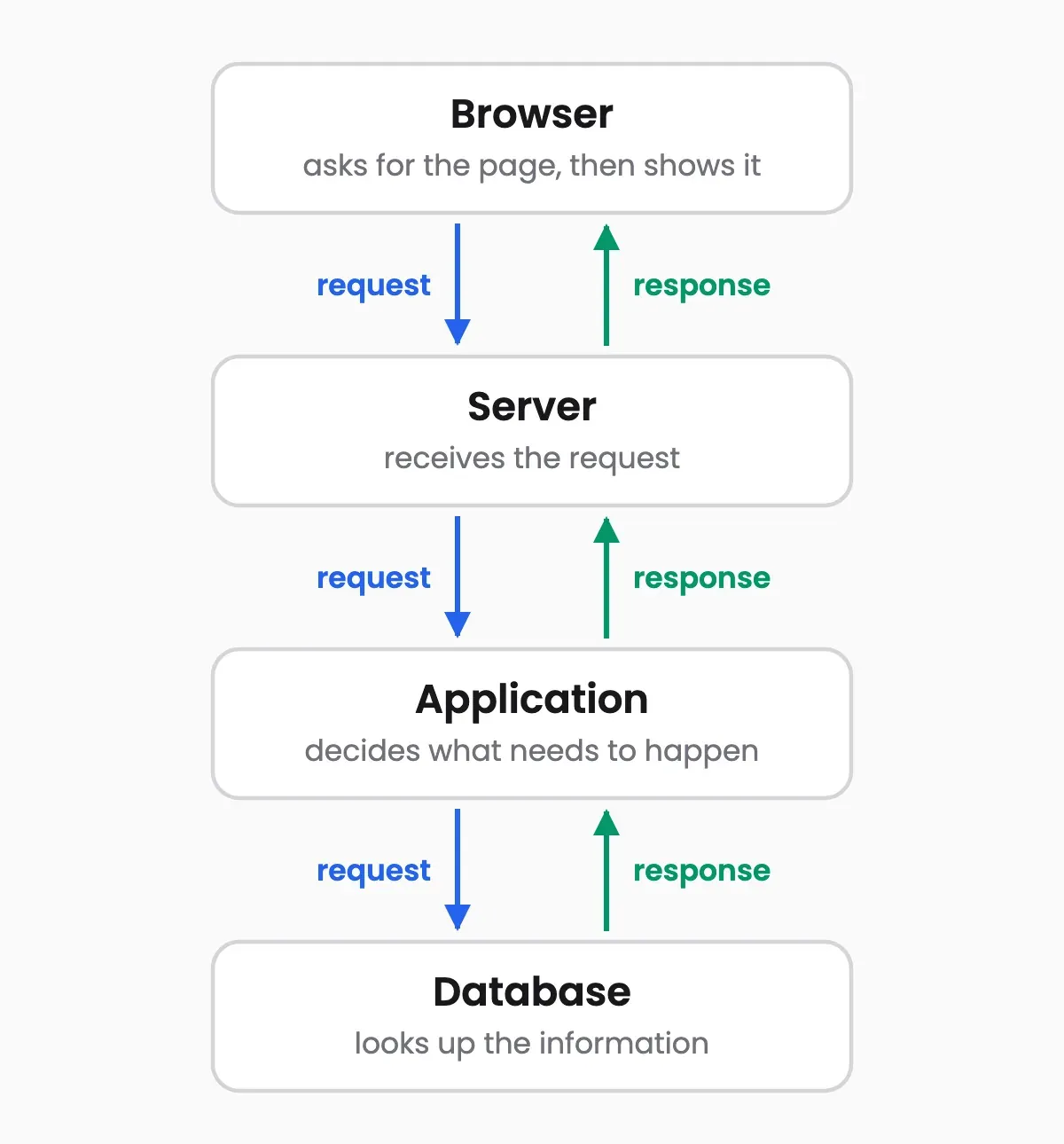
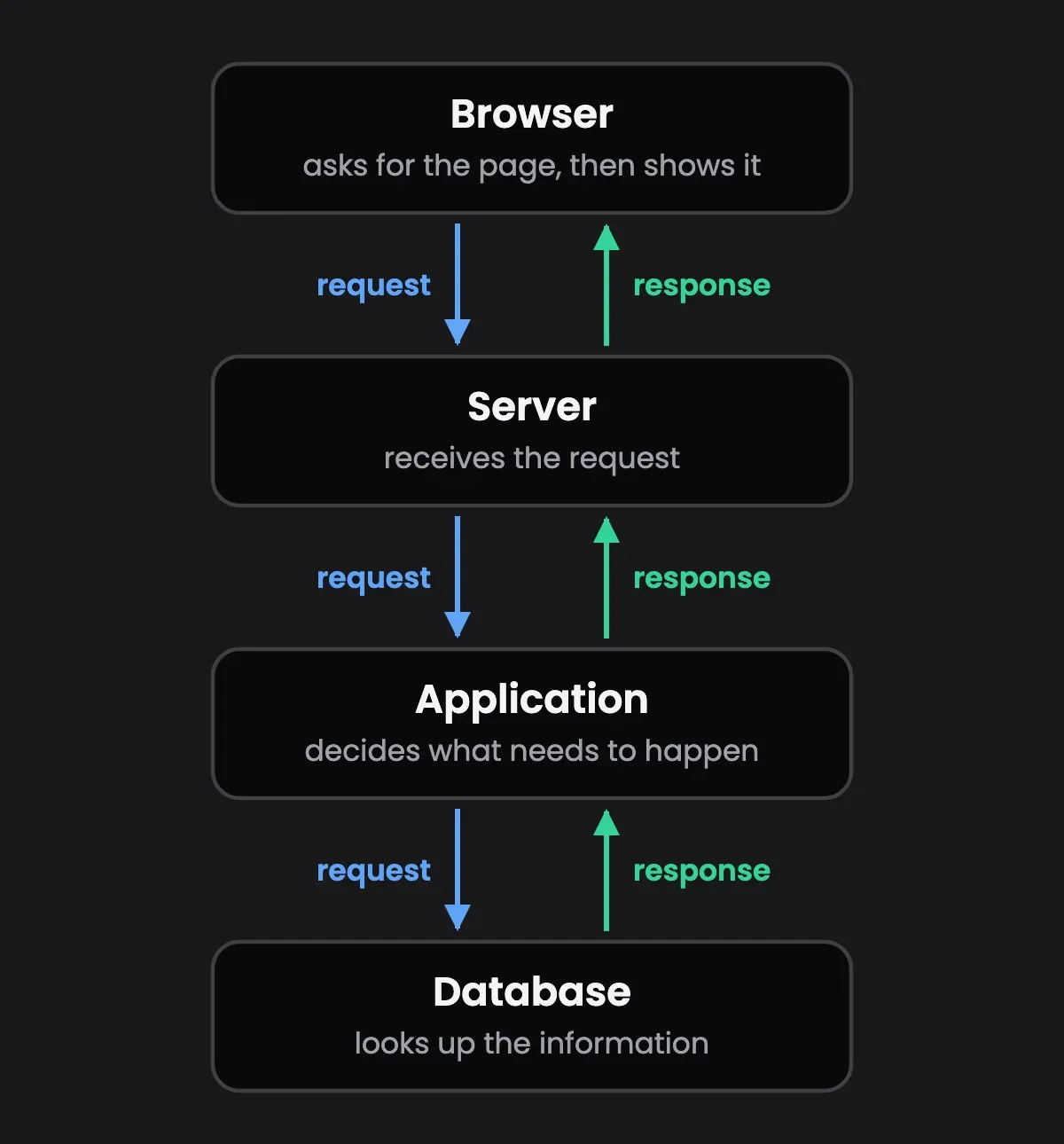
Your browser sends a request
You type an address or click a link, and your browser asks a server for that page.
The server receives it
Software on the server is listening for requests and picks this one up.
The application decides what needs to happen
Code running on the server works out what you asked for and what it takes to answer.
The database may be queried
If the page needs stored information, such as your profile or a list of products, the application fetches it.
The result is sent back
The server packages the answer into a response and returns it across the internet.
Your browser draws the page
Your browser turns that response into the webpage you see.
There can be many more components involved in practice, but this gives you a useful mental model to build on.
But where is the website actually stored?
This is where the idea of a server gets more interesting. Websites need somewhere to store their files and run their applications. Those resources are stored and processed on servers, and those servers physically exist somewhere. They aren't floating around in the internet.
Servers are physical computers
When people say something is “stored in the cloud,” it can sound like the data exists somewhere abstract. But the cloud ultimately runs on physical hardware. Servers are computers with the same kinds of parts you would expect:
- CPUs to do the work
- RAM to hold what is being worked on
- Storage for files and data
- Network interfaces to talk to other computers
- Power supplies to keep them running
- Cooling systems to stop them overheating
They are designed to run workloads and communicate over networks, and they are commonly placed inside data centers. A single data center can contain thousands of servers.
Is a server different from a normal computer?
Here's something that surprises many beginners: a server is still a computer. There isn't some magical component that turns a computer into a server.
Your laptop, for example, can run a web server. Start a server application on it, allow another computer to connect, and your laptop is now acting as a server.
Common questions
- Is a server a special kind of computer?
- No. A server is still a computer, with a CPU, memory, storage and a network connection. What makes it a server is the job it does and the software it runs: it waits for requests from other computers and responds to them.
- Where are servers actually located?
- Servers are physical machines, usually housed in data centers that can hold thousands of them. Even when something is described as being stored in the cloud, it is running on real hardware in a building somewhere.
- Can my laptop be a server?
- Yes. If you start a server application on your laptop and let another computer connect to it, your laptop is acting as a server. Dedicated servers are simply built to do that job reliably, all day, for many users at once.
- What is the client-server model?
- It is the arrangement behind most of the internet. A client, such as your browser, asks for something. A server receives that request, does whatever work is needed, and sends a response back.
What's next?
Understanding what a server is gives you the foundation for understanding how the internet and modern applications actually work. But this is only the beginning. Look a little deeper and you'll come across ports, sockets, HTTP, databases, APIs, reverse proxies, load balancers, and system architecture.
If you want to go beyond the basics and learn how backend systems work in more detail, explore BackendEngineer.in, which goes deeper into backend engineering concepts and the systems behind the applications we use every day.
A server is just the beginning. There's a whole world behind what happens after you click “Send.”